
Samastipur, Bihar
Sparkk Fix
Professional home services.
One place for the work you need.
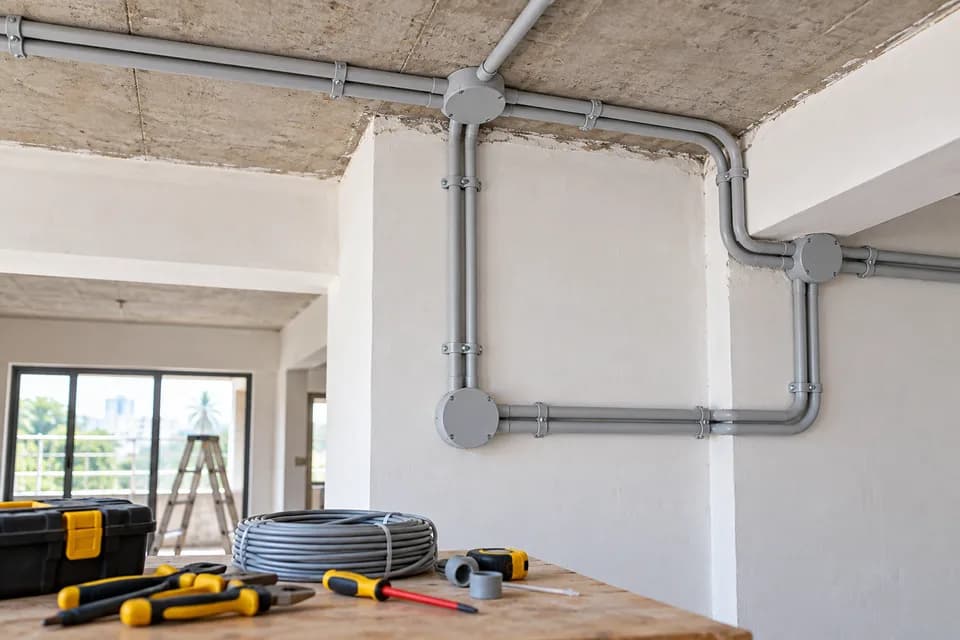
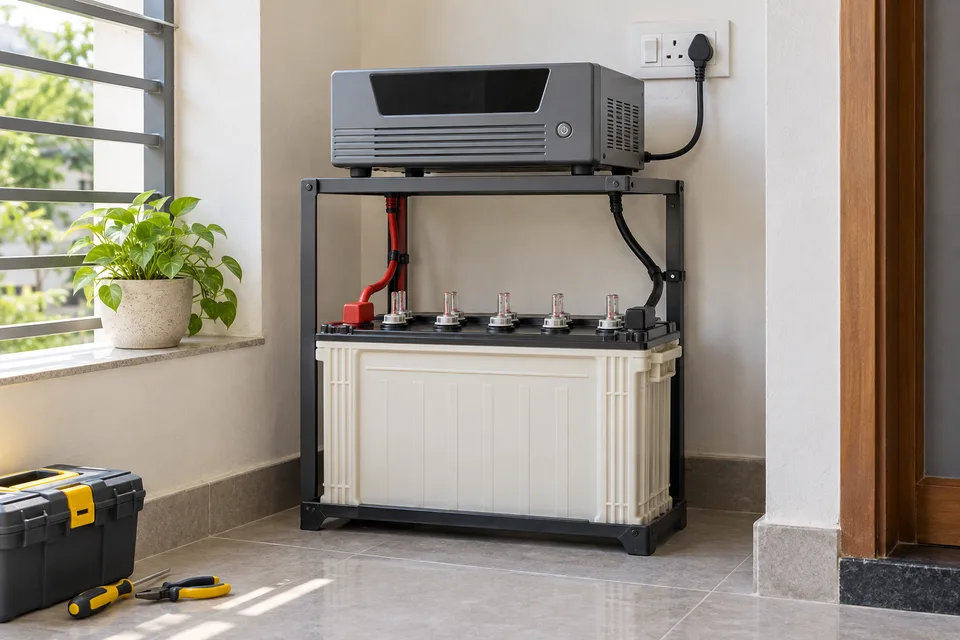
From electrical wiring and inverter installation to plumbing and civil work. Book a visit and let our team coordinate the next step.
INR 200 inspection charge per selected service
From booking to a job well done
- 01Book Service
- 02Technician Assigned
- 03Technician Visits
- 04Final Quote
- 05Work Completed
Booking / inspection charge: INR 200 per selected service. Final service charges depend on the assessment and are communicated before work begins.
Services
What can we help you with?
Choose help with electrical wiring, inverter installation, plumbing repairs or civil planning and finishing.
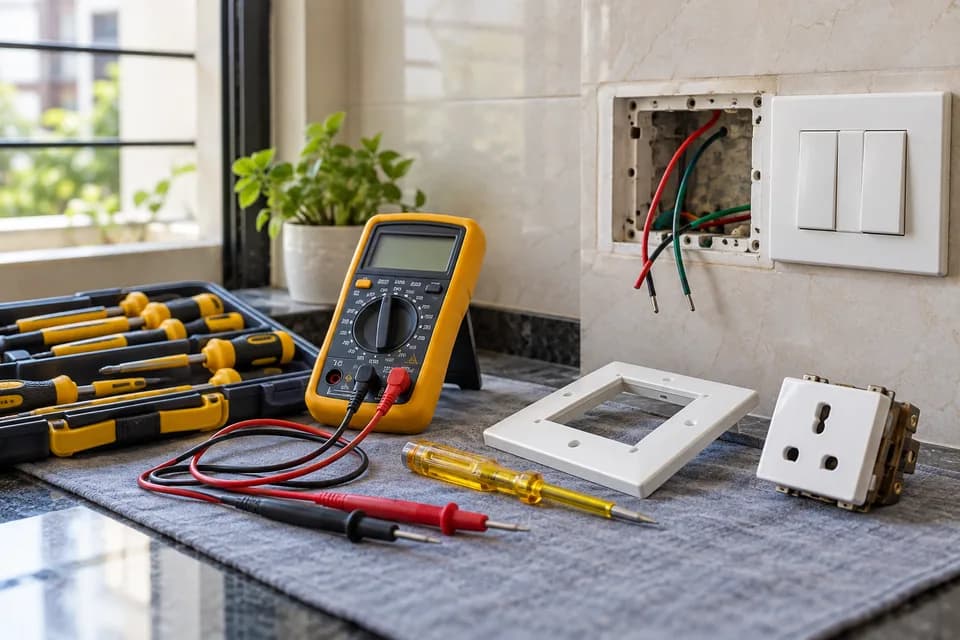
Electronics
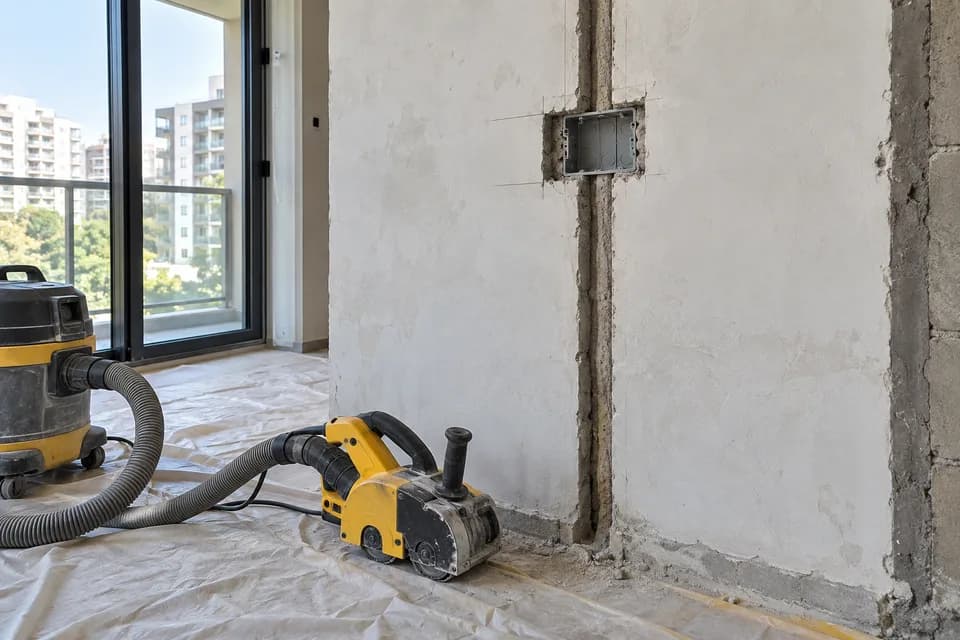
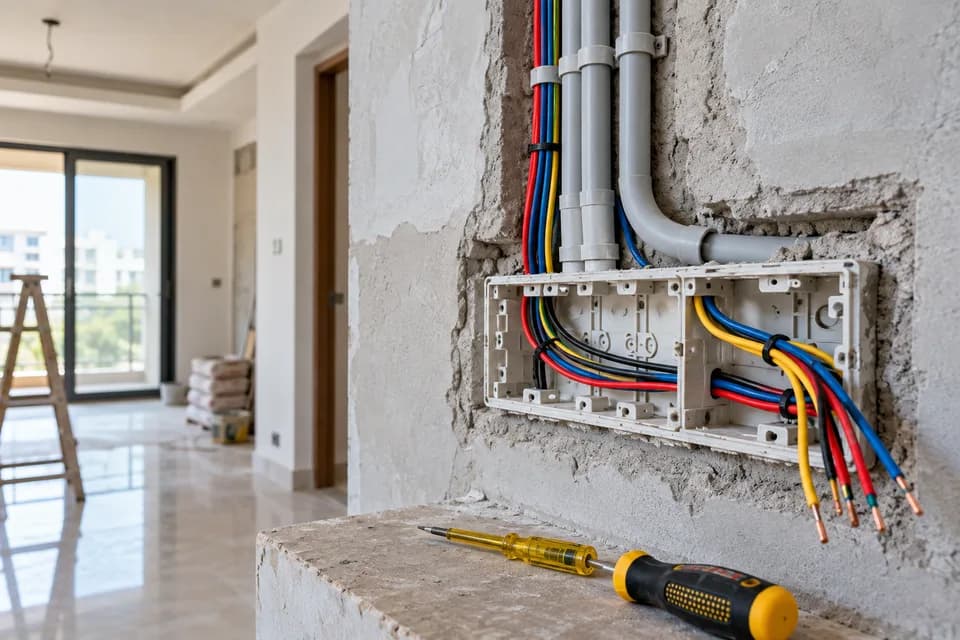
Clean electrical and installation work for safer, smarter homes.

Other
Share a custom electronics requirement with the team.
Share custom details while booking.
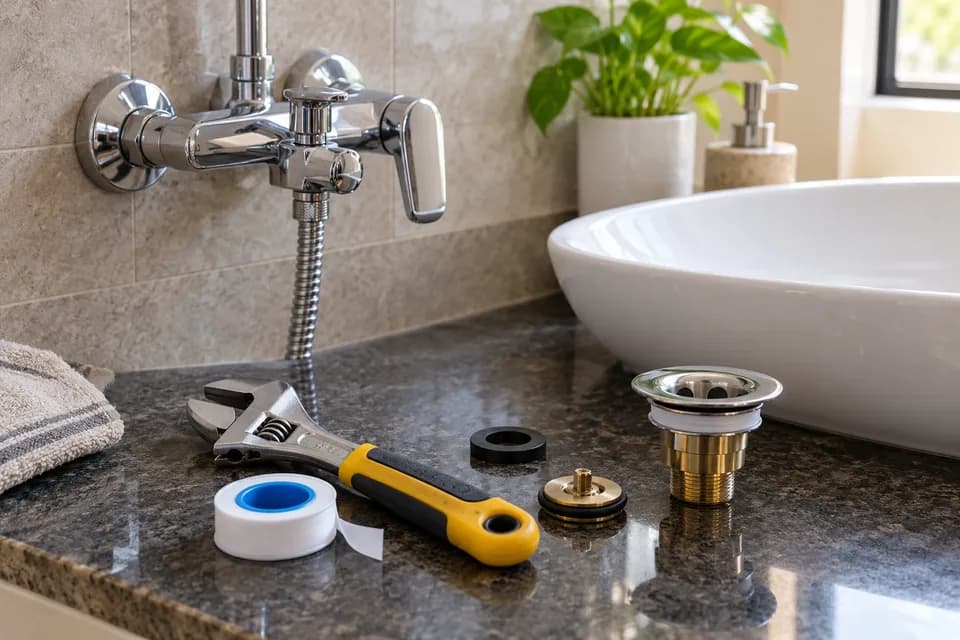
Book NowPlumbing
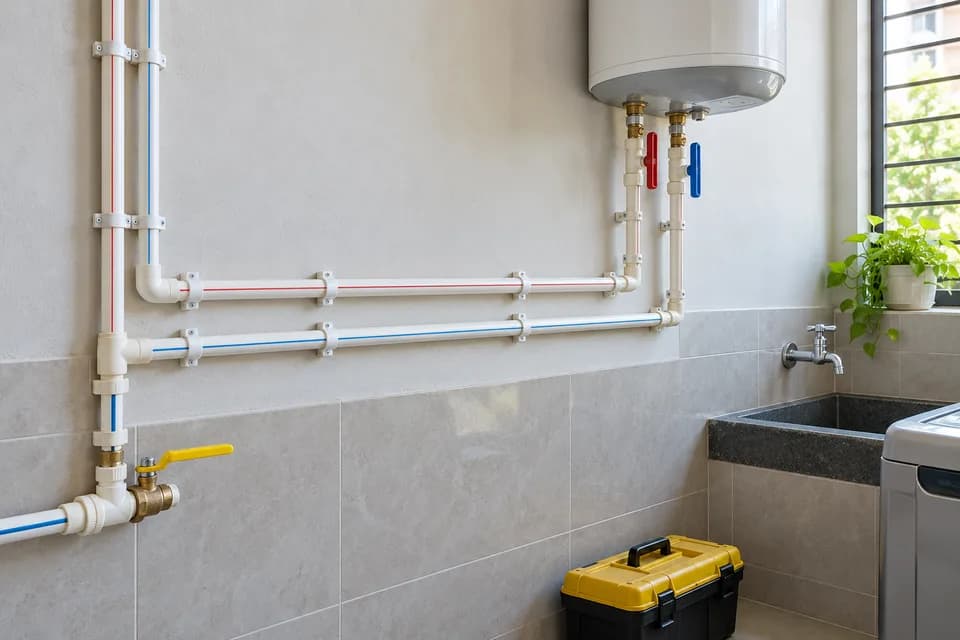
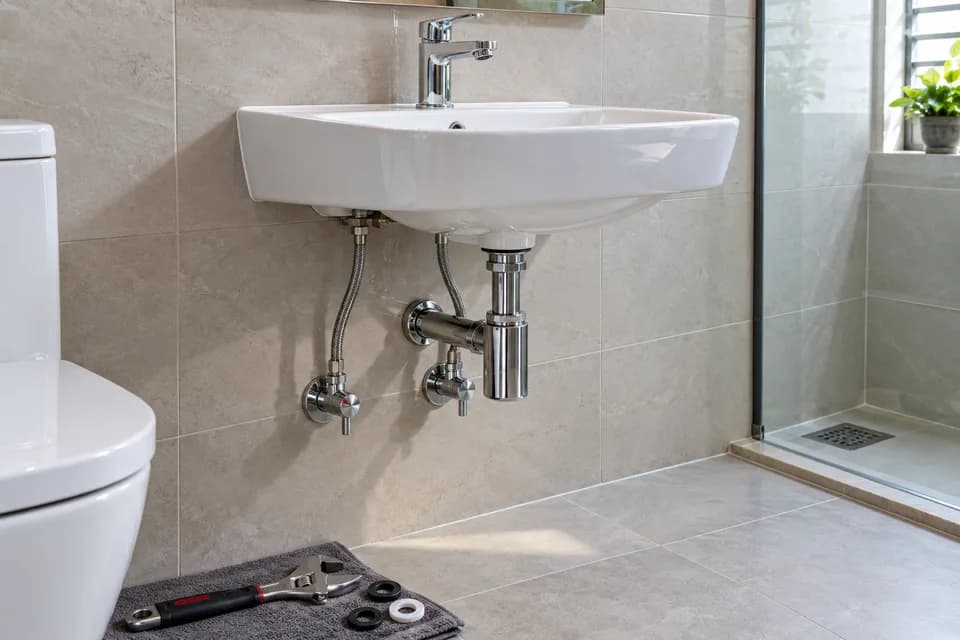
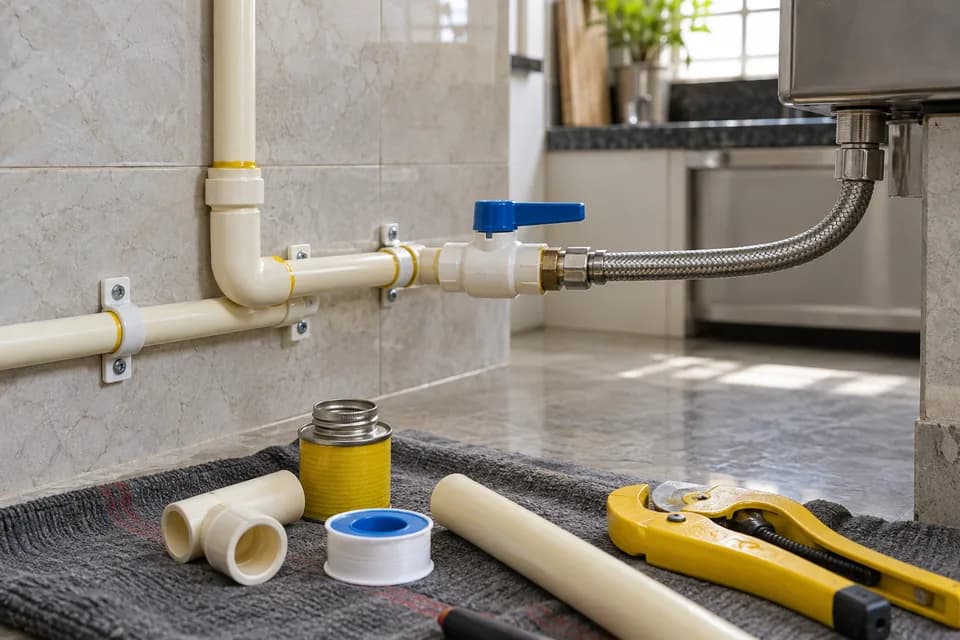
Fast repair and fitting support for water and pipe systems.
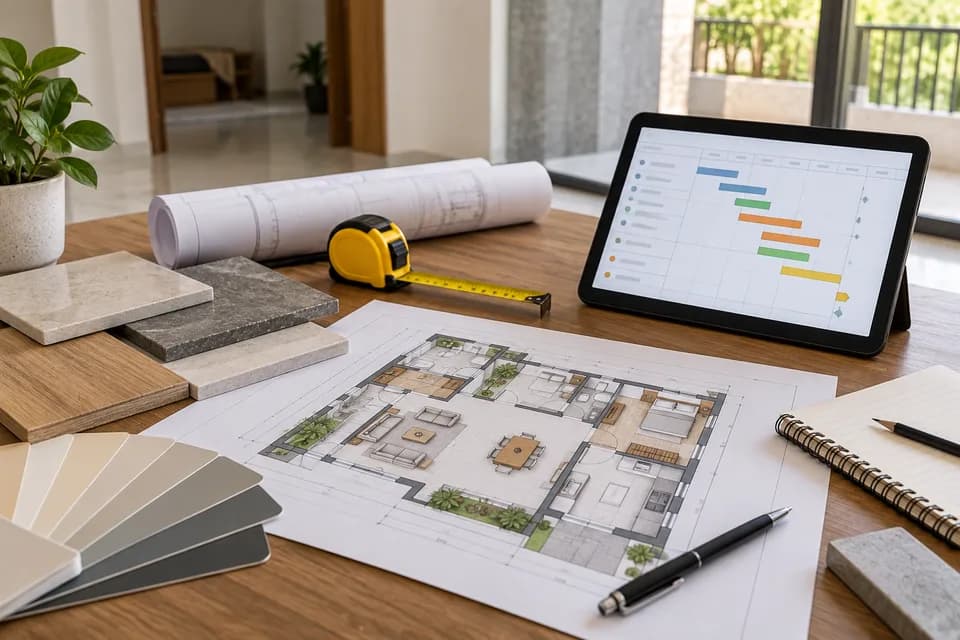
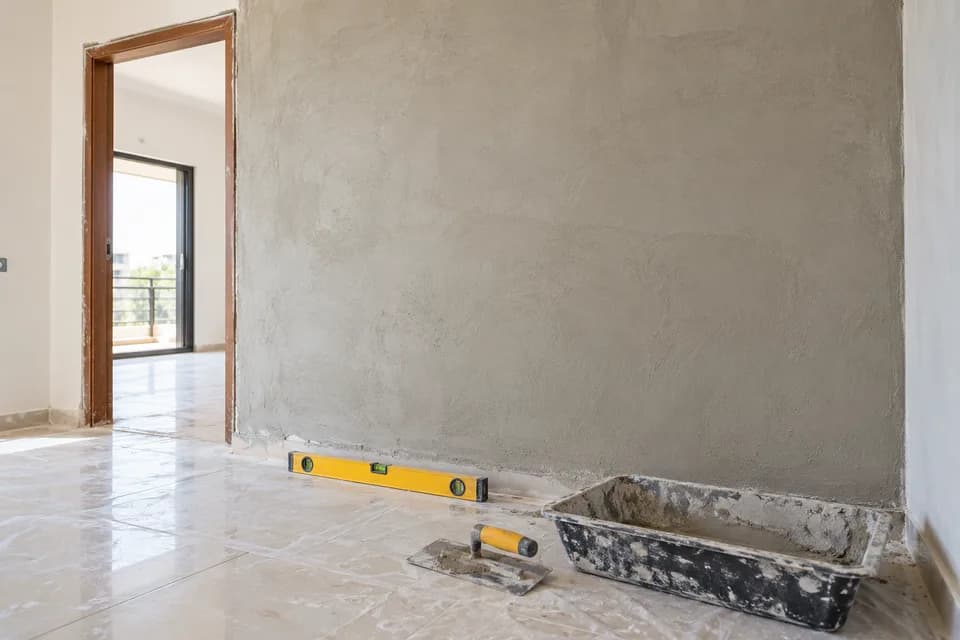
Civil
Planning, finishing, and civil support for home upgrades.

About Sparkk Fix
Local service. A clear process.
Home repairs should be easier to arrange. Sparkk Fix brings electronics, plumbing and civil services together, with a team based in Samastipur to review and coordinate your request.
The right details, the right service area,
and a team you can contact.
Experience reviewed
Our team reviews technician skills, practical experience and service areas before approving applications.
A clear starting cost
The booking and inspection charge is INR 200 per selected service. The final quote is shared before work begins.
Know what happens next
Follow your booking from confirmation to completion with your Booking ID and mobile number.
For skilled professionals
Good work starts with skilled hands.
Skilled professionals can apply with their profile, work category, experience and service area for team review.
Apply Now1
Apply
Share profile, skill, and contact details.
2
Review
Our team reviews experience and service areas.
3
Join
Approved workers receive portal credentials.
Customer Feedback
Your service experience matters.
After your service is completed, share your experience from your booking tracking page.
After Service
No published customer reviews yet.
Had a service with us?
Your honest feedback makes a difference.
FAQ
A few things worth knowing.
Quick answers for booking, payment, verification, service charge, and workforce applications.
How do I book a service?
Choose Book Now from any service card, add one or more services, then enter your contact, visit and address details. After submission, save the Booking ID shown on screen; no customer account or login is required.
What does the INR 200 charge cover?
It is the booking and inspection charge for each selected service, so two services have an INR 400 booking charge. It is not a fixed repair quote; the final service cost depends on the work found during assessment and is communicated before service work proceeds.
How is QR payment verified?
Scan the QR shown only in the booking flow and optionally enter your UPI transaction reference. A reference is not proof of payment by itself, so the team checks receipt separately and updates the booking as verified or not verified.
How are technicians selected?
The team reviews applicant experience, skills, category and service area before activating worker access. After your booking is confirmed, an active technician from a requested category can be assigned and can accept or reject the job.
How do I track my booking?
Open Track Booking and enter both your Booking ID and the mobile number used at checkout. You can see customer-safe payment, assignment and work updates; the page refreshes periodically while it remains open.
Can I cancel a booking?
You can cancel online while a booking is pending or confirmed and no technician has started progressing the job. Once assignment work has begun, contact the team so the situation and any payment review can be handled appropriately.
How can I apply for work?
Use Apply for Work and submit your name, mobile number, category, experience, service area and skills. Applications are reviewed by the team; approved applicants receive private worker credentials for the separate Worker Portal.
Is every service available in every area?
Availability depends on the requested category, location, schedule and active technicians. Submitting a request does not guarantee immediate availability; the team confirms the booking after reviewing those details.
What should I do if I need help?
First check the latest status using your Booking ID and mobile number. If the booking cannot be cancelled or the displayed information does not resolve your concern, keep the Booking ID ready when contacting the team so they can locate the request.